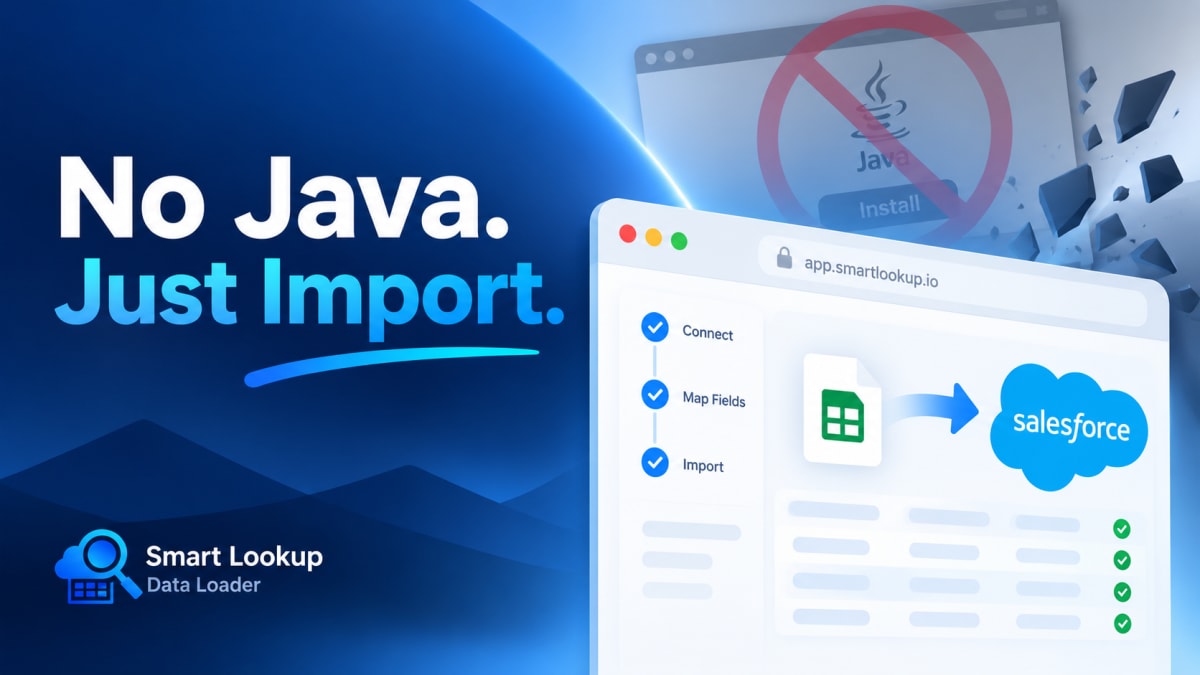
A surprising amount of Salesforce data work is blocked by a runtime.
The actual problem
Salesforce Data Loader is a desktop application. Depending on your platform and version, it may need a Java runtime, and it definitely needs installation rights on the machine.
In a lot of organisations that is where it stops. Locked-down laptops, an IT ticket to install anything, a security team with a view about Java, or a Mac where the install path has changed more than once across versions. Add contractors and agency staff who need to load data but will never be granted software installation rights on a client device.
The result is familiar: one person in the team has Data Loader working, and every import in the company goes through that person’s laptop.
What that costs
A bottleneck. Loads wait for one person’s availability.
A single point of failure. When they leave, the configured connections, the saved mappings and the scripts leave with them.
No audit trail. Work done on a laptop is harder to reconstruct than work done inside the platform.
Version drift. Data Loader versions track API versions. A copy installed two years ago and never updated behaves differently from a current one, in ways that are not always obvious.
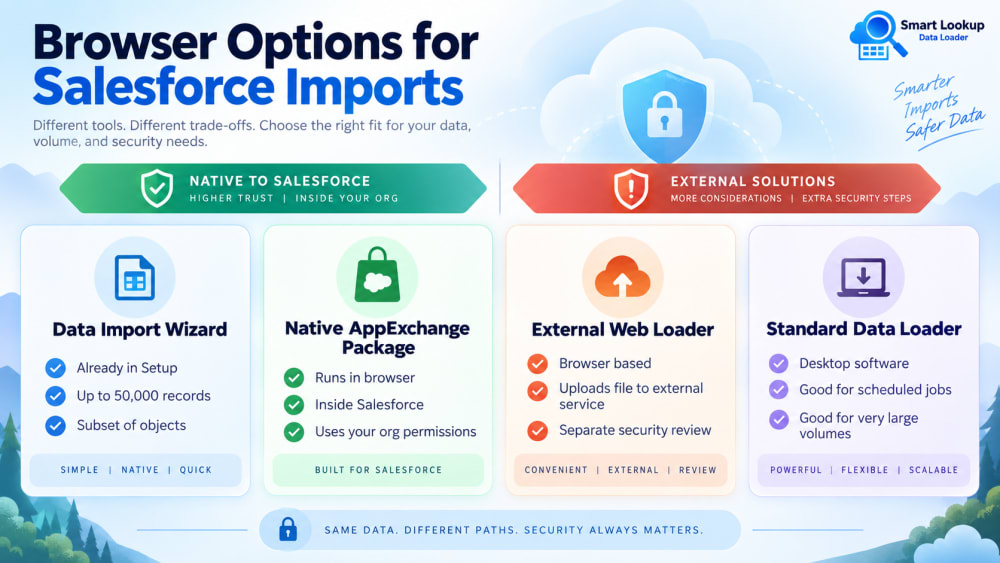
Options that run in the browser
Data Import Wizard. Already in Setup, nothing to install. Limited to 50,000 records and a subset of objects, no delete, and limited lookup handling. For small loads on supported objects it is the fastest route because it is already there.
Native AppExchange packages. A managed package installs into the org rather than onto a machine. Anyone with the right permissions can use it from any browser, and it is governed by your org’s normal access controls.
External web-based loaders. Third-party services you connect to your org. They work, but your file is uploaded to somebody else’s infrastructure to be processed, which is a different security conversation and usually a paid one.
What you give up
Being honest about the trade: browser-based tools generally do not offer command-line automation or scheduled jobs. If you need an unattended nightly load, you need the standard Data Loader or a proper integration, and neither is a browser tool.
Very large volumes are also a consideration. If you are loading millions of rows in one pass, the standard loader was built for that.
For the everyday work, monthly account updates, list imports, migration batches in the tens of thousands, the browser option removes a genuine blocker at no real cost.
Native versus external, briefly
If you do go browser-based, a native package and an external service are not the same thing.
A native package runs inside Salesforce. Your file is parsed and processed in your org, under your user, with your permissions. Nothing is uploaded elsewhere.
An external service receives your file. That may be perfectly acceptable, but it needs a security review, especially if the data includes personal information, and the review takes longer than the import would have.
Smart Lookup Data Loader is a native managed package. It installs into the org, runs in the browser, needs no desktop software and no Java, and processes everything inside Salesforce.

Import by name, email or code. Skip the VLOOKUP.
Smart Lookup Data Loader is a free, 100% native Salesforce app by TwinStack. Lookups resolve as records land, upserts match on several fields, and every failed row tells you why.
Get It Now, Free