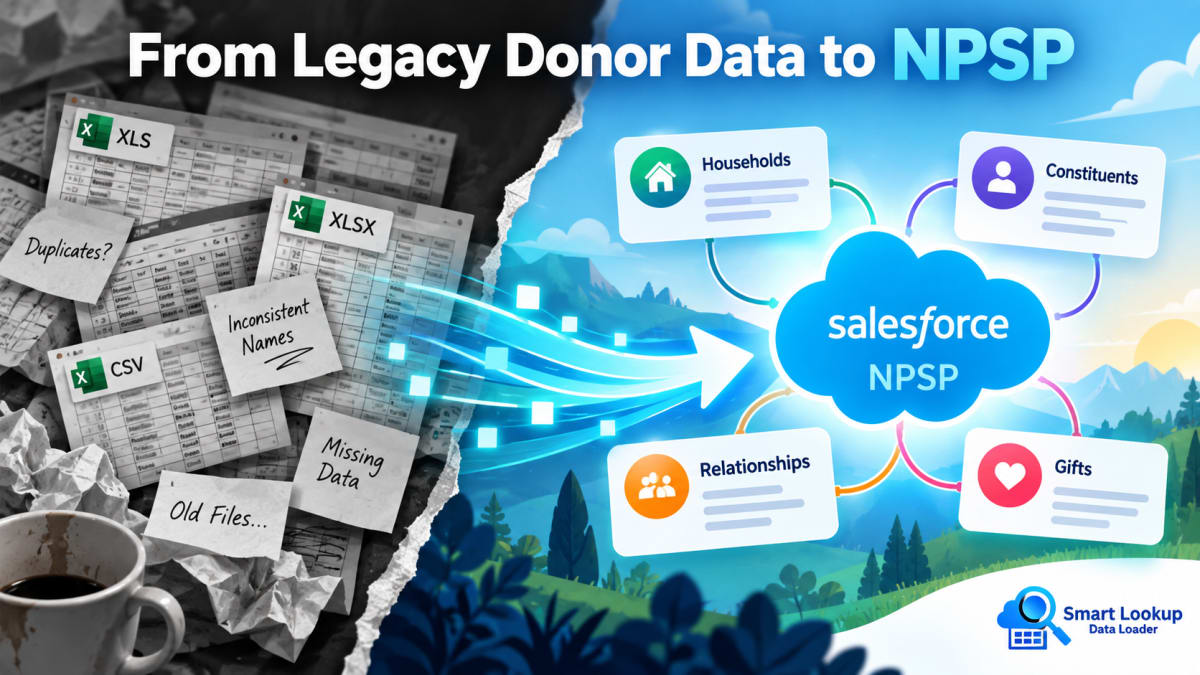
Nonprofit data imports are harder than the equivalent commercial ones, and the reason is structural rather than technical.
What makes it harder
Records are related in more ways. A constituent belongs to a household, may be linked to an organisation as a contact or a soft credit, may be a volunteer, and may have an affiliation with a second organisation. Every one of those is a lookup that needs to resolve.
Person Accounts change the shape. NPSP’s household model and Nonprofit Cloud’s use of Person Accounts both mean the record you think you are importing is not stored the way it looks.
Source data is old and inconsistent. It arrives from a legacy donor database, or from spreadsheets maintained across several years by different people, or from an events platform. Names appear in three formats. Addresses were free text.
The identifiers are people, not codes. Commercial data usually has a customer number. Donor data usually has a name and an email address, both of which change.
Mistakes are visible. A duplicated donor record means a second appeal letter to someone who already gave, which is embarrassing in a way a duplicate B2B lead is not.
The relationship problem
The core difficulty is that you cannot load constituents until households exist, and you often cannot determine households until you have looked at the constituents.
A standard loader handles this by making you do it in passes: load accounts or households first, export them with their new IDs, VLOOKUP those IDs into your contact file, then load contacts. Each pass is another export, another spreadsheet, another opportunity for the file to drift out of sync with the org.
Resolving lookups at import time collapses that. Your contact file references the household by name or by the legacy system’s identifier, and the relationship is resolved as records land.
A workable sequence
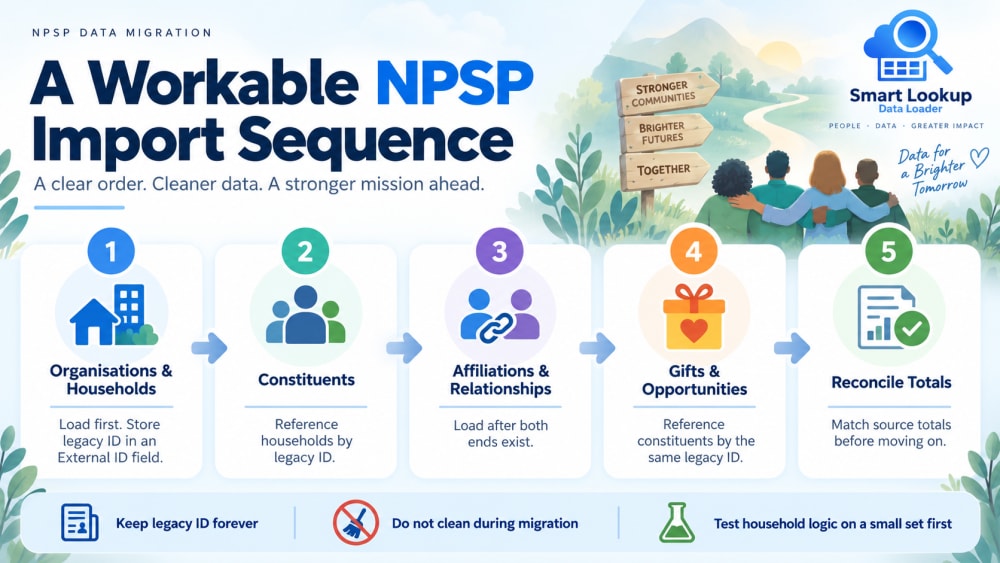
- Organisations and households first. Load these with their legacy identifier stored in an External ID field. That field is what everything else will match on.
- Constituents second, referencing the household by that identifier rather than by a Salesforce ID.
- Affiliations and relationships third, once both ends exist.
- Gifts and opportunities last, referencing the constituent by the same legacy identifier.
- Reconcile totals before anything else happens. Total gift value in the source versus total in Salesforce. If those do not match to the penny, stop and find out why before going further.
Practical cautions
Keep the legacy ID forever. Store the source system’s identifier on every migrated record in a dedicated External ID field. It costs nothing and it is the only reliable way to answer “where did this record come from” in two years.
Do not clean during migration. It is tempting to fix addresses and standardise names in the same pass. Resist it. Load the data as it is, verify it landed correctly, then clean it in Salesforce where you can undo things and report on what changed.
Watch blank columns. A column present but empty will overwrite existing values on an upsert. With donor data that can mean erasing history.
Test the household logic on a small set. Load twenty households and their constituents, then look at what NPSP actually created. Household naming and greeting formulas are automated, and it is better to see their output on twenty records than on eight thousand.
Budget for reconciliation, not just loading. In most nonprofit migrations, the loading is the fast part.
Why cost matters here specifically
Nonprofits are the most price-sensitive Salesforce customers there are. A per-record data loading fee applied to a full donor history is a real budget line, and it is competing against programme spend.
Smart Lookup Data Loader is free, with no row cap, and it is native, so donor data never leaves the org during a load. For an organisation handling beneficiary information under a data protection obligation, that second point often matters more than the first.

Import by name, email or code. Skip the VLOOKUP.
Smart Lookup Data Loader is a free, 100% native Salesforce app by TwinStack. Lookups resolve as records land, upserts match on several fields, and every failed row tells you why.
Get It Now, Free