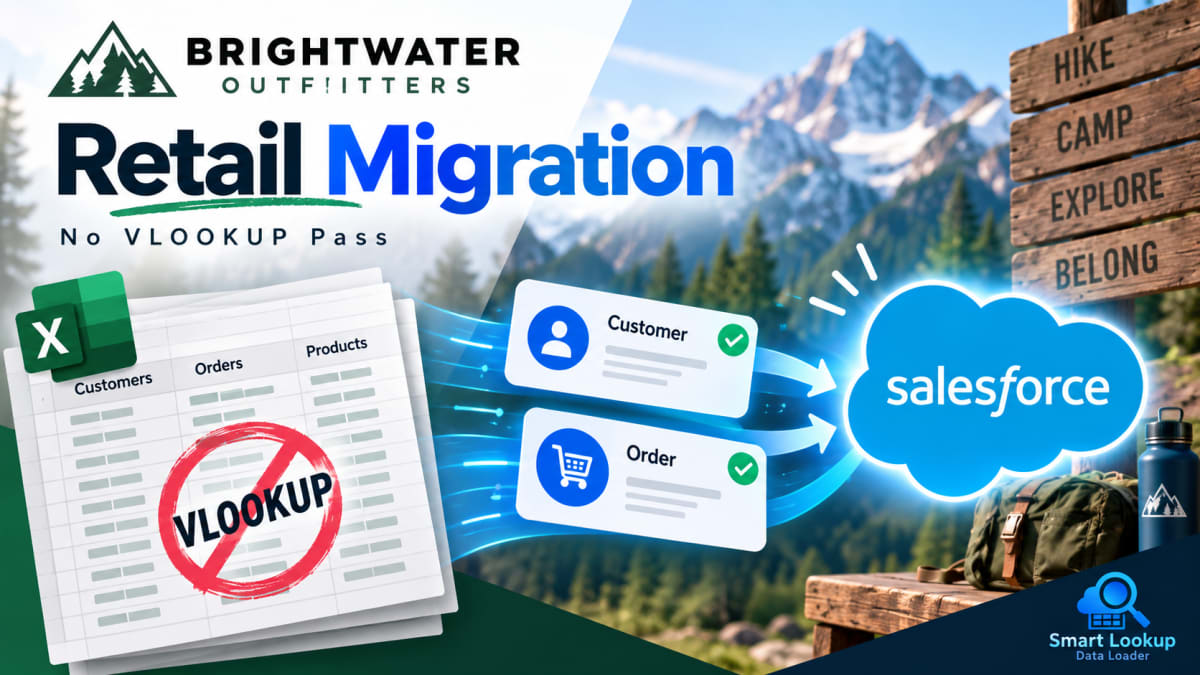
Illustrative example. Brightwater Outfitters is a composite organisation built from patterns we see repeatedly in retail data migration work. It is not a named customer, and the figures shown are representative of the category rather than measured at one client.
At a glance
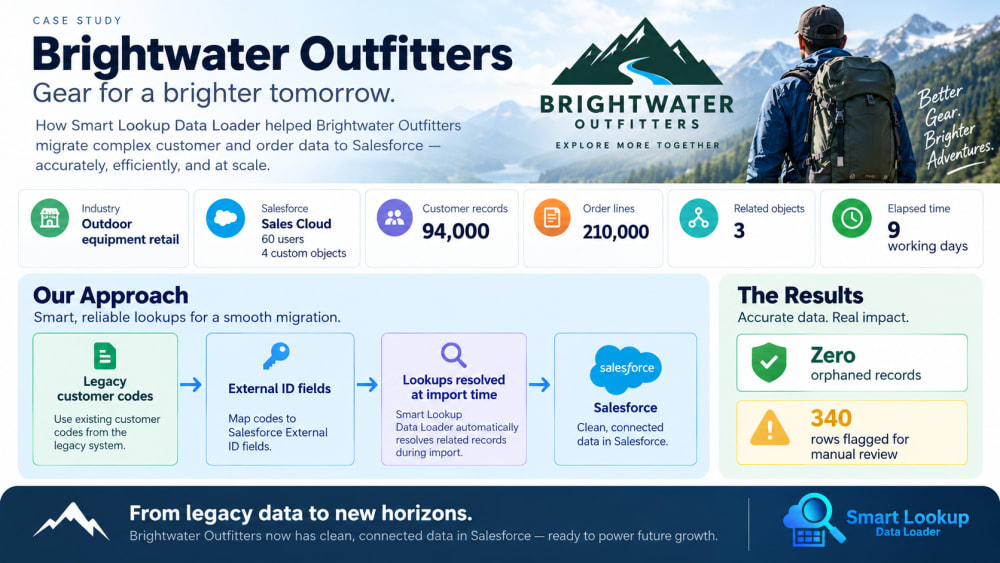
| Organisation | Brightwater Outfitters, outdoor equipment retail |
| Salesforce footprint | Sales Cloud, 60 users, 4 custom objects |
| Volume | 94,000 customer records, 210,000 order lines, 3 related objects |
| The problem | Every migration pass required exporting parent records to fetch IDs |
| Approach | Resolve lookups at import time against legacy customer codes |
| Elapsed time | 9 working days, down from an estimated 4 weeks |
| Outcome | Zero orphaned records, 340 rows flagged for manual review |
The situation
Brightwater Outfitters had run their customer and order data in a legacy retail platform for eleven years. A move to Salesforce meant bringing across customer records, order history, store locations and a custom loyalty object, with relationships intact across all four.
The data had one useful property. Every customer, order and store carried a code from the legacy system, and those codes had been applied consistently since the platform was installed. What the data did not have, anywhere, was a Salesforce record ID, because nothing in it had ever touched Salesforce.
What they tried first
The first plan was the conventional one. Load accounts, export them with their new IDs, VLOOKUP those IDs into the contact file, load contacts, export again, and repeat for orders and loyalty records.
Two problems appeared in the first week.
The export and lookup cycle took longer than the loading. Each pass meant a full export of the object just loaded, a merge in a spreadsheet, and a verification step to confirm the merge had not dropped rows. On a file of 94,000 records that verification was itself a half-day job.
More seriously, the passes did not stay in sync. Test loads were being re-run as mapping issues were found, which invalidated the exported ID files from the previous pass. The team found orders attached to accounts that had been deleted and reloaded between the export and the import.
“We were spending more time proving the spreadsheet was still correct than actually loading anything. Every re-run meant redoing the lookup files from scratch.”
Data migration lead, retail group
The approach
The team changed the model rather than the tooling around it. Instead of converting legacy codes to Salesforce IDs before each load, they configured the import to resolve the relationship at load time against the legacy code.
Three changes made this work:
A dedicated External ID field on every object. Each object got a custom field holding the legacy system’s code, marked as External ID and unique. This became the single identifier the entire migration ran on.
Multi-field match rules where codes were not unique. Store locations shared codes across two acquired brands. Matching on code plus region resolved that without manual intervention.
Row-level validation on a sample before each full pass. Every object was loaded with 200 rows first and reconciled against the source before the full file ran.
What changed
The export and VLOOKUP step disappeared entirely. Because relationships resolved against live data at load time rather than against an export, re-running a test load no longer invalidated anything downstream. The team could reload accounts, then reload contacts, and the relationships were correct both times.
That removed the constraint that had been shaping the whole project plan. Instead of sequencing carefully to avoid re-runs, the team re-ran freely.
Results
Nine working days end to end, against an original estimate of four weeks. Most of the saving came from removing the reconciliation work between passes rather than from the loads themselves running faster.
Zero orphaned records. Every order attached to a customer, and every loyalty record attached to an order.
340 rows flagged rather than failed. These were legitimately ambiguous, mostly customers appearing under two codes after a brand acquisition. They were routed to a manual review queue instead of being silently attached to whichever record matched first.
The legacy codes stayed. Because the External ID fields were populated during migration rather than discarded after it, the retail team can still trace any Salesforce record back to its origin in the old platform.
What they would do differently
The team ran their first sample from the top of each file. Those rows turned out to be the cleanest part of the data, so the sample passed and the full load then surfaced formatting problems that a middle-of-file sample would have caught on day one.
They also underestimated reconciliation. Loading took less time than expected and verifying took more.

Import by name, email or code. Skip the VLOOKUP.
Smart Lookup Data Loader is a free, 100% native Salesforce app by TwinStack. Lookups resolve as records land, upserts match on several fields, and every failed row tells you why.
Get It Now, Free