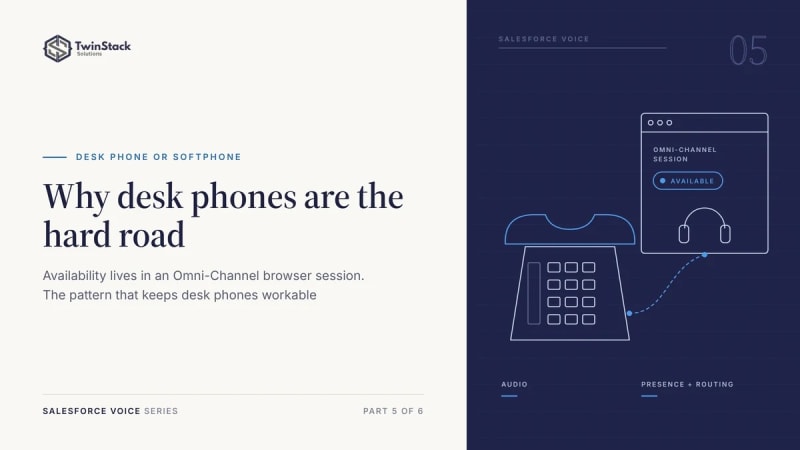
Short answer: a desk phone only carries the audio. Availability for calls lives in an Omni-Channel session inside a browser, so there is no supported way to stay "Available" without that session. The workable pattern is a background console session with auto-login and auto-accept.
Why a browser session is required
With Salesforce Voice, the desk phone is only an audio endpoint. Everything that decides whether a call should reach you (presence, availability, capacity and routing) lives in Omni-Channel, not in the handset. A call only goes to an agent who is online with the right Omni-Channel status, whatever phone the audio lands on.
The difficulty is how that "Available" status comes into existence. Omni-Channel presence is not a flag on your user record that you set and leave. It is a live server-side session, opened and held by the Omni-Channel utility inside a Lightning console app, in a supported desktop browser such as Chrome, Edge or Firefox. When that session ends, presence ends with it.
A desk phone cannot open or hold that session. It cannot sign in to a Lightning console app, run the Omni-Channel utility or keep the session alive. So "Available for voice" is a browser-side condition, and the phone sits downstream of it.
What does not work
Two assumptions come up again and again, and both fail for the same reason.
The Salesforce mobile app
The Salesforce mobile app does not support Omni-Channel voice presence or routing, and Amazon Connect does not list mobile browsers as supported for its agent workspace and softphone. Running Salesforce on a phone or tablet does not replace the console session. (We describe a tested mobile workaround in our mobile calling case study.)
Setting presence through the API
On paper, writing to the UserServicePresence object from a server process looks like a clean way to put an agent online. In practice that object is for monitoring and reporting. Apex triggers are not supported on it, and creating a record there does not sign an agent into a routable Omni-Channel session. You get a row that describes presence, not presence itself.
The method that really changes status, setServicePresenceStatus, belongs to the Omni-Channel toolkit for Lightning, which runs inside the console page in the browser. There is no server-side equivalent, so presence cannot be driven from a scheduled job, an integration user or the phone itself.
The workable pattern: keep the browser, make it invisible
Since the browser session cannot be removed, the realistic goal is to stop the agent having to think about it.
- Keep a lightweight Lightning console session open in the background on the agent's computer.
- Turn on automatic Omni-Channel login, so the agent goes to an Available status as soon as the console loads.
- Turn on auto-accept in Amazon Connect, so inbound calls connect straight to the desk phone without an on-screen answer.
The agent's day then feels like ordinary desk-phone work. They sit down, the handset rings and they pick it up. A quiet browser tab holds presence in the background, and nobody touches it. This is the standard, supported pattern for desk phones with Omni-Channel.
One caveat to plan for: if the tab is closed, the computer sleeps or the session times out, presence drops and calls stop routing. Make the background session part of the agent's start-of-day routine, like logging in to the phone.
Bottom line
There is no supported way to be available for Omni-Channel voice without an active Omni-Channel browser session, because presence belongs to the console, not the phone. If a background browser is acceptable, set up automatic login and auto-accept, and let agents work from the handset.
Frequently asked questions
Can I use a desk phone with Salesforce Voice?
Yes, as the audio device. The agent still needs an Omni-Channel session in a desktop browser to be available for calls.
Can presence be set through the API?
Not in a way that routes calls. UserServicePresence records describe presence for reporting; changing status needs the Omni-Channel toolkit running in the browser.
How do I make a desk phone feel browser-free?
Keep the console open in the background, turn on automatic Omni-Channel login and use auto-accept in Amazon Connect.
What happens if the browser closes?
Presence drops and calls stop routing to that agent until the session is back.
Deciding between desk phones and softphones? Talk to us.