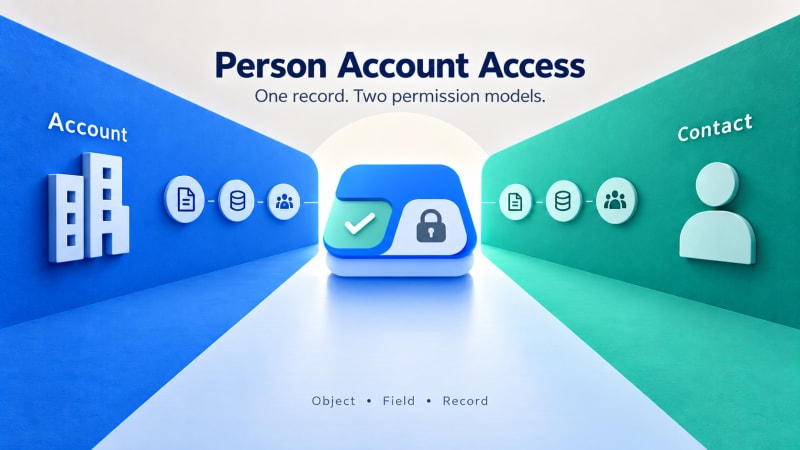
One record, two object models, and most tools only check one side.
Short answer: A Person Account is a single record that behaves as both an Account and a Contact simultaneously, which means its effective access is governed by permission and sharing settings from both object models at once. A tool that checks only one side gives an incomplete answer for exactly the org type where getting it right matters most.
What is a Person Account, exactly?
Orgs configured for B2C or mixed B2B and B2C use cases, common in nonprofit, healthcare and education contexts, often enable Person Accounts. A Person Account merges the standard Account and Contact objects into a single record representing an individual, rather than a company with a linked contact. The convenience is real. The complication is that this single record is still governed by two separate object models underneath.
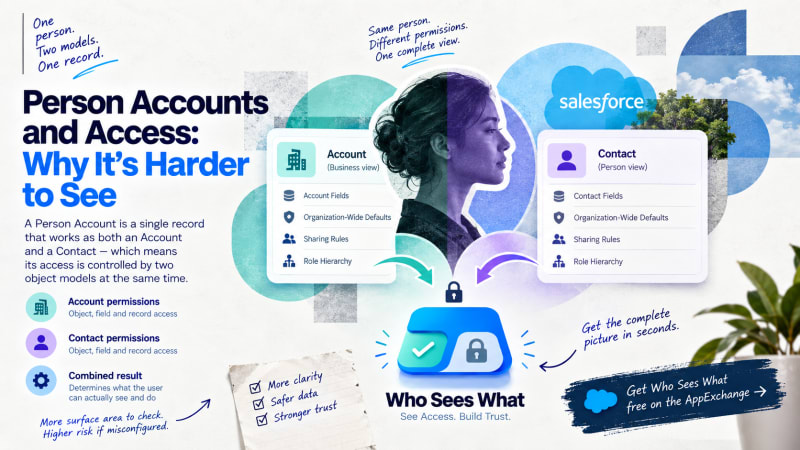
One record on screen, two independent permission models underneath.
Why does this complicate access specifically?
Object-level access can differ between the Account and Contact components. A profile can grant different object permissions to each. On a standard Account with a separate Contact this is visible as two records. On a Person Account it presents as one, and the dual configuration is not obvious to someone investigating an access question.
Field-level security applies separately across the Account and Contact field sets on the same record. A user missing edit access to a Contact-side field may have full edit access to every Account-side field on the identical record.
Record-level sharing can be configured differently for Account and Contact. Depending on org configuration, the more restrictive of the two, or a specific interaction between them, determines actual record visibility.
Why does this matter more in the sectors that use Person Accounts most?
Person Accounts are especially common in Nonprofit Cloud contexts, where an individual constituent or client is the primary unit of relationship. This is also frequently the sector with the highest sensitivity around who can see what: beneficiary information, health or case data, and safeguarding notes are commonly stored on or related to these records.
The combination of a more complex access model and higher-sensitivity data means misconfiguration carries a higher real-world cost, at the same time as it is harder to diagnose.
How do you diagnose an access question on a Person Account?
The three-layer model still applies, but each layer now requires checking twice: once for the Account side and once for the Contact side, since either can independently cause an access symptom on what presents as a single record.
What does a tool need to get right for this to actually work?
A permission inspection tool that checks only one side of the object model will produce an incomplete or misleading answer for exactly the org type where getting it right matters most. Who Sees What resolves Person Account access accounting for both underlying models, so a query reflects the actual combined effect rather than one side alone.
Who Sees What is built and maintained by TwinStack Solutions, a Salesforce partner. Questions about setup: [email protected]
See both sides of a Person Account at once.
Who Sees What resolves Account-side and Contact-side access together, for orgs where getting this right matters most. Free and read-only.
Get It Now, Free