
Salesforce is a powerful CRM platform, but its true potential is realized when your data is clean, accurate, and up-to-date. The process of importing data is often more complex than it seems.
In this comprehensive guide, we’ll dive into the intricacies of data importing in Salesforce, the most common challenges that arise during the process, and how Smart Lookup Data Loader can help streamline your data imports with its automation and ease of use.
Why Data Importing is Crucial for Salesforce Users
Importing data is a fundamental process, whether you're bringing in customer records, opportunity details, contacts, or marketing lists. The main objective is to ensure that data flows seamlessly into Salesforce without errors, duplicates, or integrity issues.
However, if not handled correctly, it can result in issues such as:
- Inconsistent Data: Missing fields or mismatched data types.
- Duplicate Records: Importing the same contact or account multiple times.
- Poor Data Integrity: Broken links between related records (e.g., matching a contact to the wrong account).
Common Challenges in Salesforce Data Imports
1. Manual Field Mapping
Mapping each column in your CSV file to the corresponding Salesforce field is a tedious and time-consuming task, especially when dealing with hundreds of fields.
2. Duplicate Management
Without automated tools, it’s easy to accidentally import duplicate records, leading to a cluttered database that’s difficult to manage and report on.
3. Complex Relationship Management
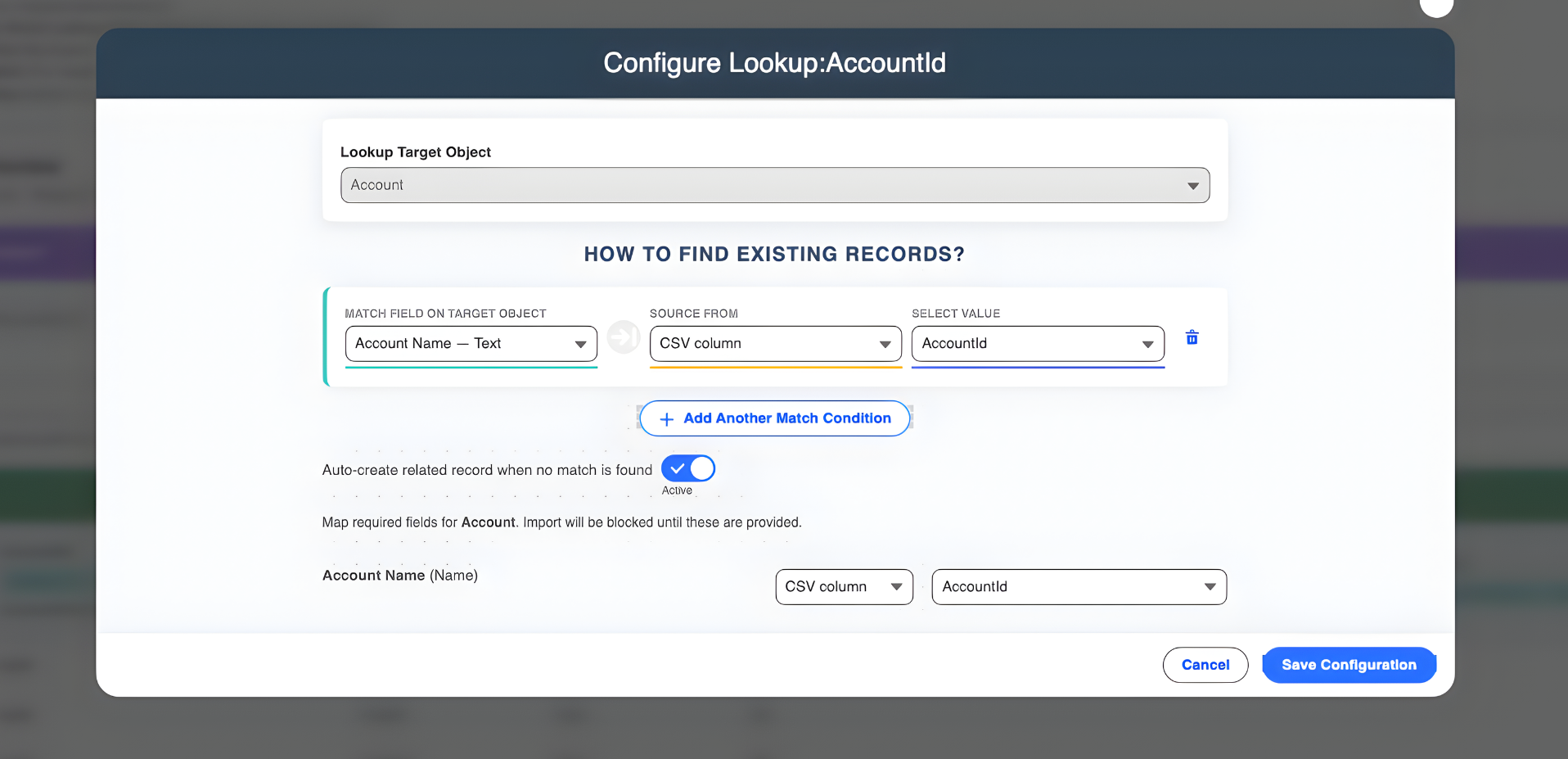
Importing records that are linked through lookup fields (like linking a Case to an Account) requires precise ID matching, which is often difficult to do manually.
How Smart Lookup Data Loader Simplifies Data Importing
Smart Lookup Data Loader is designed to solve these challenges. It offers a range of automation features that make the data import process faster and more accurate.
Automated Field Mapping
The tool automatically detects the headers in your CSV file and maps them to the appropriate fields in Salesforce, significantly reducing setup time.
Duplicate Prevention with Upsert
The upsert functionality allows you to update existing records or insert new ones based on a unique identifier, automatically preventing duplicates and ensuring data accuracy.
Real-Time Data Validation
Before you even hit the import button, the tool validates your data to ensure that all required fields are filled and that data types are correct.
Support for Custom Objects and Lookups
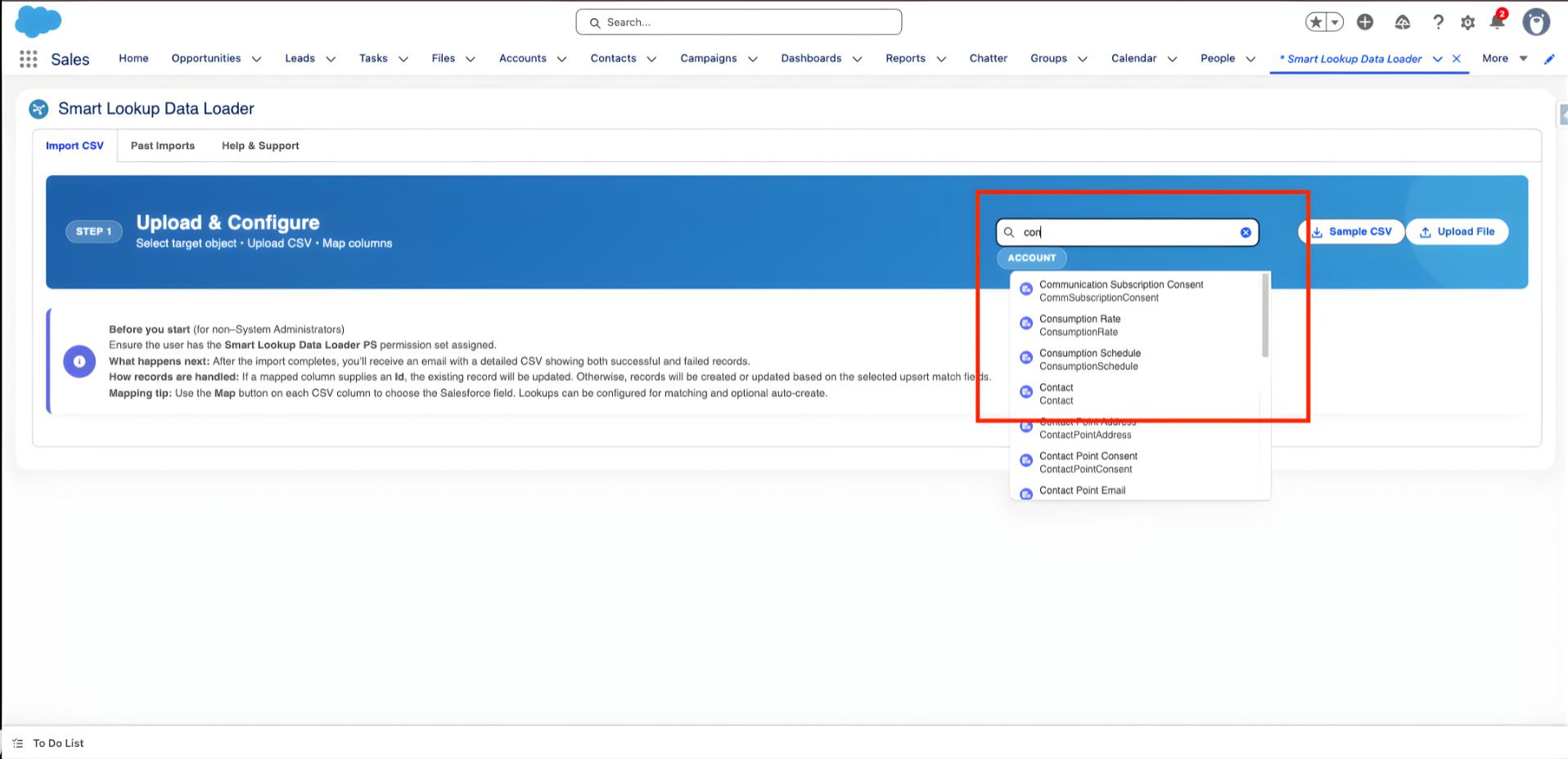
Whether you're working with standard objects or custom objects, the tool ensures data is accurately mapped and handles lookup relationships automatically using easy-to-read fields rather than IDs.
Conclusion: Making Data Imports Easy and Accurate
Data imports can often feel like a daunting task, but with Smart Lookup Data Loader, you can simplify the entire process. From automated mapping to real-time validation, this tool addresses the core challenges Salesforce admins face.
Ready to streamline your Salesforce data imports?
Try Smart Lookup Data Loader today and experience how it can transform your data import process, saving you time and enhancing accuracy!
Try it for Free