
Data imports are an essential part of Salesforce administration, but managing and importing large datasets can often feel like a cumbersome and error-prone task.
With numerous tools available for data import, choosing the right one can be overwhelming. However, one tool stands out among the rest: Smart Lookup Data Loader. In this post, we’ll compare it with other popular free data import tools for Salesforce, highlighting its strengths and unique features.
1. The Need for a Reliable Data Import Tool
Whether you’re migrating data from an external system, updating records, or syncing data with third-party applications, ensuring that the import process is fast, accurate, and seamless is crucial. The right tool can save you hours of manual work, reduce errors, and ensure that your Salesforce instance remains organized and up-to-date.
Unfortunately, many existing data import tools are either too complex, expensive, or lack essential features like real-time error tracking or upsert functionality, which are critical for handling bulk data efficiently.
2. Smart Lookup Data Loader vs. Other Free Tools
Let's look at how Smart Lookup Data Loader stacks up against other popular free tools like Salesforce’s native Data Import Wizard and Data Loader:
- Unlimited Record Imports: Unlike many tools (such as the free version of Dataloader.io, which limits you to 10,000 records per month), Smart Lookup Data Loader allows you to import unlimited records for free.
- No Installation Required: While the native Data Loader requires a local installation and manual updates, Smart Lookup Data Loader is cloud-based and can be used directly from your browser.
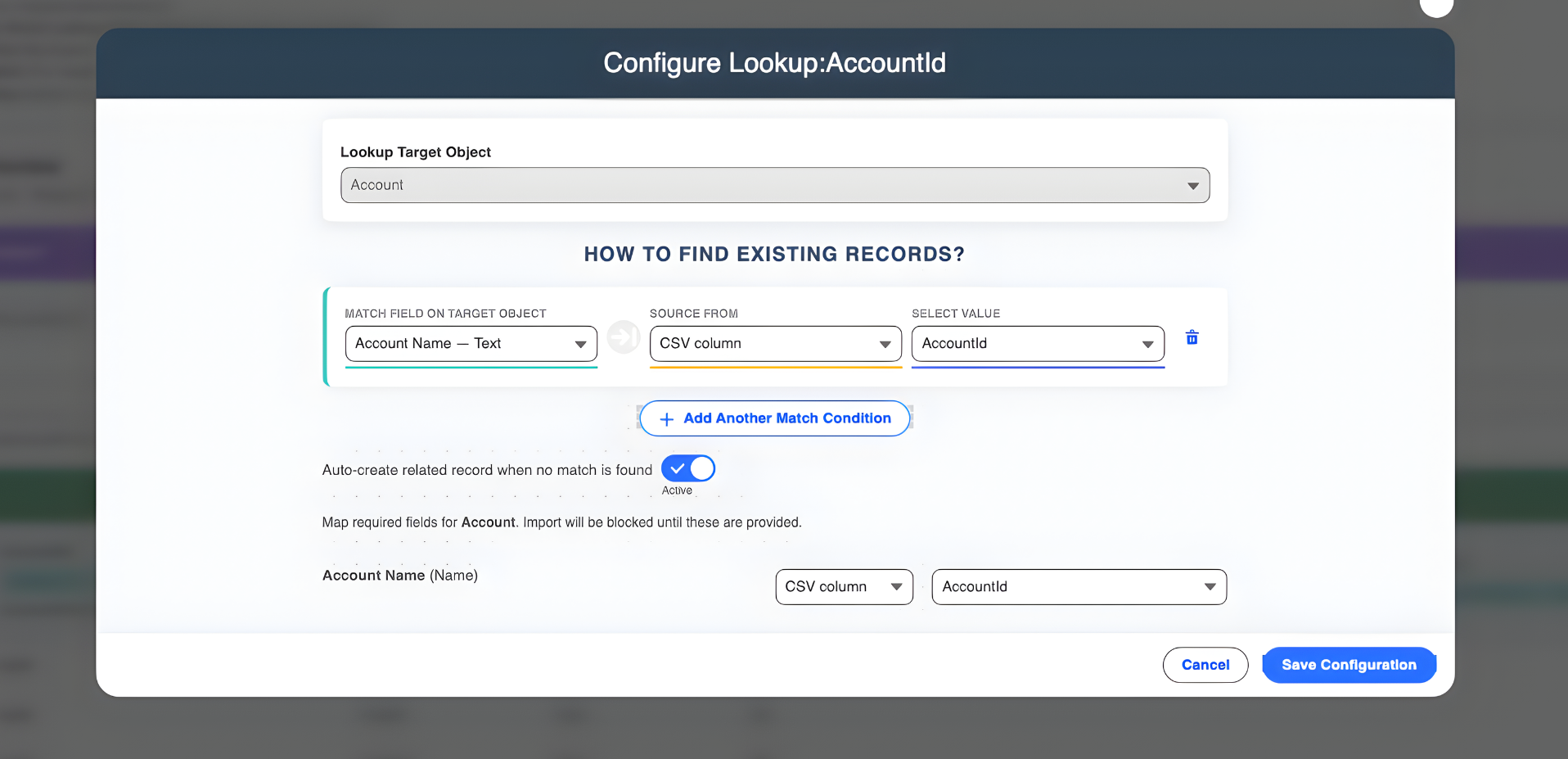
- Automatic Field Mapping: Many free tools require you to manually map each CSV column to a Salesforce field. Smart Lookup Data Loader uses intelligent auto-mapping to match fields automatically, saving you time.
3. Key Features That Make it the Best Choice
Upsert Functionality
Smart Lookup Data Loader prevents duplicate records and updates existing ones with its upsert functionality. This is often a complex or restricted feature in other free tools.
Automatic Field Mapping
The tool automatically maps CSV columns to Salesforce fields, saving time and reducing errors compared to manual field mapping with Data Import Wizard and Data Loader.
Real-Time Error Validation
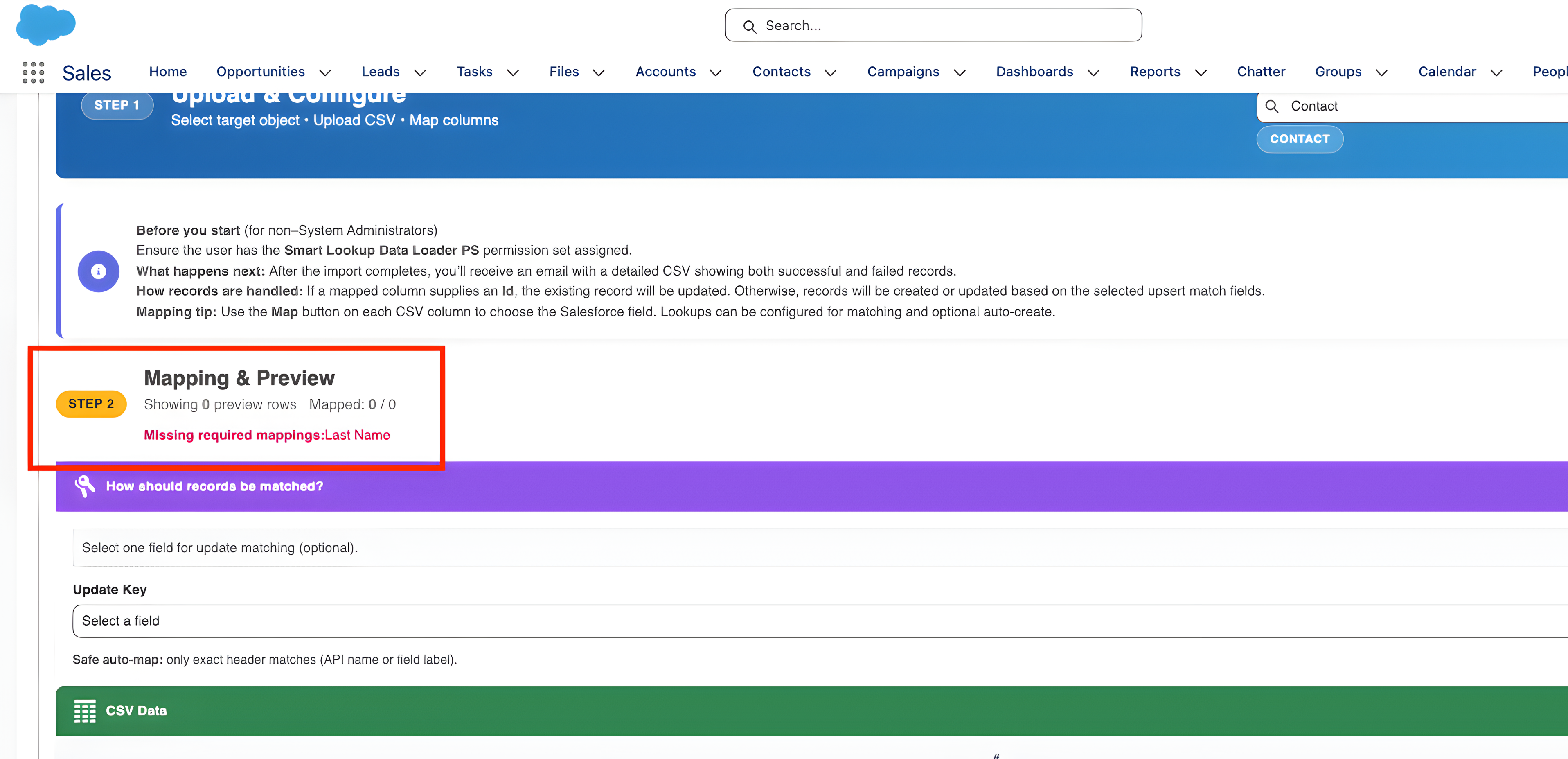
Smart Lookup Data Loader checks your data before the import begins, ensuring accuracy and preventing import errors—a feature that’s missing in other tools like Data Loader.
User-Friendly
No installation required and an easy-to-navigate interface make it accessible to non-technical users, unlike Data Loader, which can be complex and require more technical knowledge.
Conclusion: The Best Tool for Effortless Data Imports
When it comes to importing data into Salesforce, Smart Lookup Data Loader is hands down the best free tool available. Whether you’re importing small datasets or managing large-scale data migrations, it provides the speed, accuracy, and ease of use that Salesforce admins need.
Ready to simplify your Salesforce data imports?
Try Smart Lookup Data Loader today and discover why it’s the top choice for Salesforce users looking for a free, reliable, and powerful data import tool.
Get Started on AppExchange